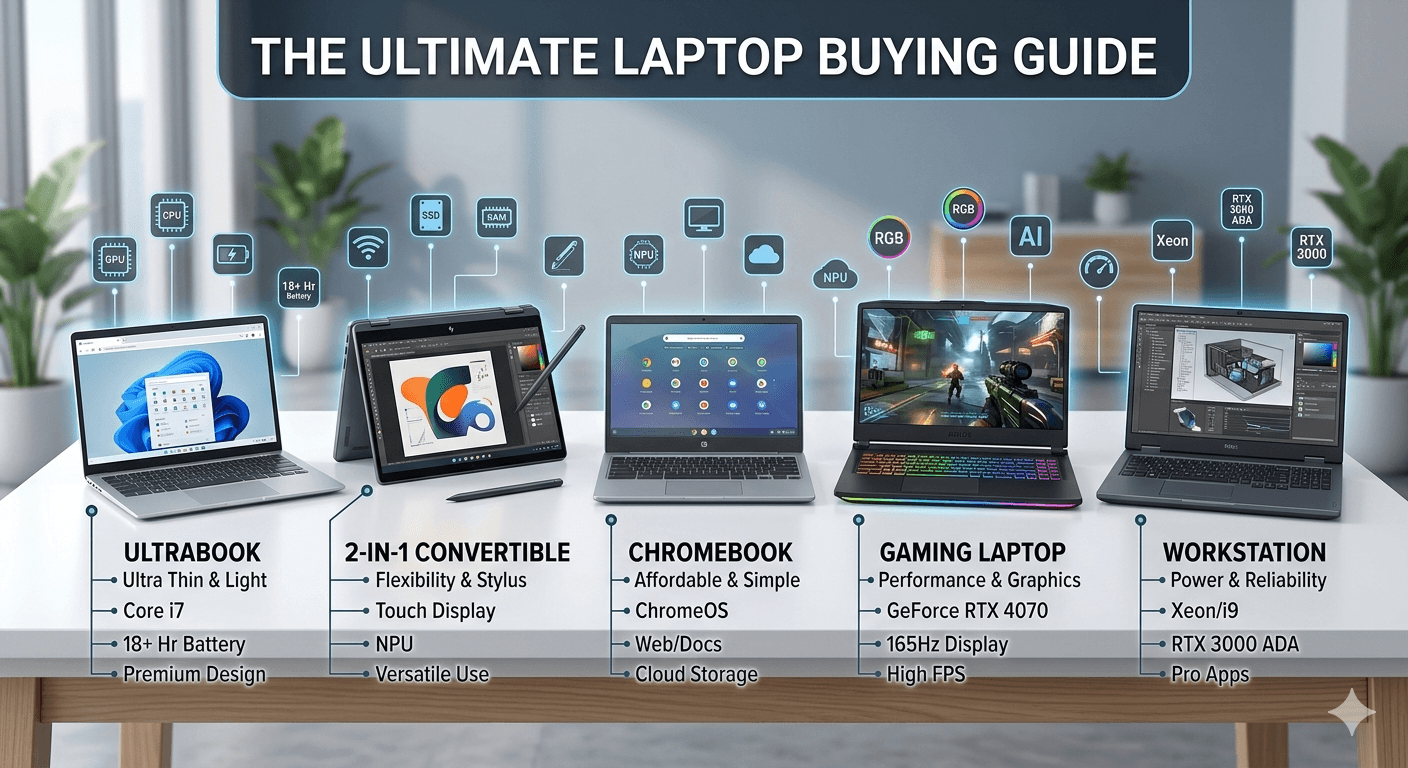
Choosing the right laptop can be confusing—especially with so many brands, specs, and price ranges available. Whether you're a student, gamer, or professional, this Laptop Buying Guide will help you make the perfect choice without wasting money.
Types of Laptops
Understanding the different types of laptops is the first step:
Everyday / Budget Laptops
Perfect for basic tasks like browsing, streaming, and MS Office.
- Ideal for students and home users
- Affordable and lightweight
Ultrabooks
Slim, stylish, and powerful.
- Great battery life
- Premium build quality
- Best for professionals on the go
Gaming Laptops
Built for performance and graphics-heavy tasks.
- Dedicated GPU
- High refresh rate displays
- Ideal for gamers and creators
2-in-1 Convertible Laptops
Laptop + tablet in one device.
- Touchscreen & flexible design
- Good for note-taking and travel
Workstations
High-end machines for heavy software.
- Used by engineers, designers, and developers
- Expensive but extremely powerful
Chromebooks
Lightweight laptops running Chrome OS, designed for web-based tasks.
- Fast boot times and simple interface
- Excellent battery life
- Great for students, casual users, and anyone relying on cloud apps
Key Laptop Specifications to Consider
Before buying, focus on these essential specs:
Processor (CPU)
The brain of your laptop.
- Intel Core i3/i5/i7/i9
- AMD Ryzen 3/5/7/9
(👉 For most users: Intel i5 or Ryzen 5 is ideal)
RAM
Determines multitasking performance.
- 8GB: Basic use
- 16GB: Recommended for most users
- 32GB+: Heavy tasks
Storage
Where your files and programs live.
- SSD (Solid State Drive) → Fast (recommended)
- HDD → Cheaper but slower
(👉 Go for at least 512GB SSD)
Graphics (GPU)
Handles visuals, games, and creative work.
- Integrated: Good for browsing, streaming, and office tasks
- Dedicated: Gaming & editing, Essential for gaming, video editing, 3D software
Battery Life
Keeps you powered on the go.
- Everyday use → 6-8 hours minimum
- Ultrabooks/Chromebooks → 10-12 hours
- Gaming laptops → Usually shorter due to powerful hardware
- Always check real-world battery tests
Display
Determines multitasking performance.
- Full HD (1920*1080) minimum
- 120Hz+ for gaming
- IPS panel for better colors
Bounce - 👉 For gamers/creators: NVIDIA GeForce or AMD Radeon
Best Laptop Options (2026)
Here are some top picks based on different needs:
Best Budget Laptop
- Reliable performance
- Good for students
- Affordable pricing
Best Laptop for Students
Determines multitasking performance.
- 8GB: Basic use
- 16GB: Recommended for most users
- 32GB+: Heavy tasks
Best Gaming Laptop
- High-end GPU
- Fast refresh display
- Strong cooling system
Best Laptop for Professionals
- Premium build
- Powerful CPU
- Long battery life
Tips to Choose the Right Laptop
-
Set a clear budget
-
Choose SSD over HDD
-
Don't overspend on specs you won't use
-
Check reviews before buying
-
Prefer trusted brands
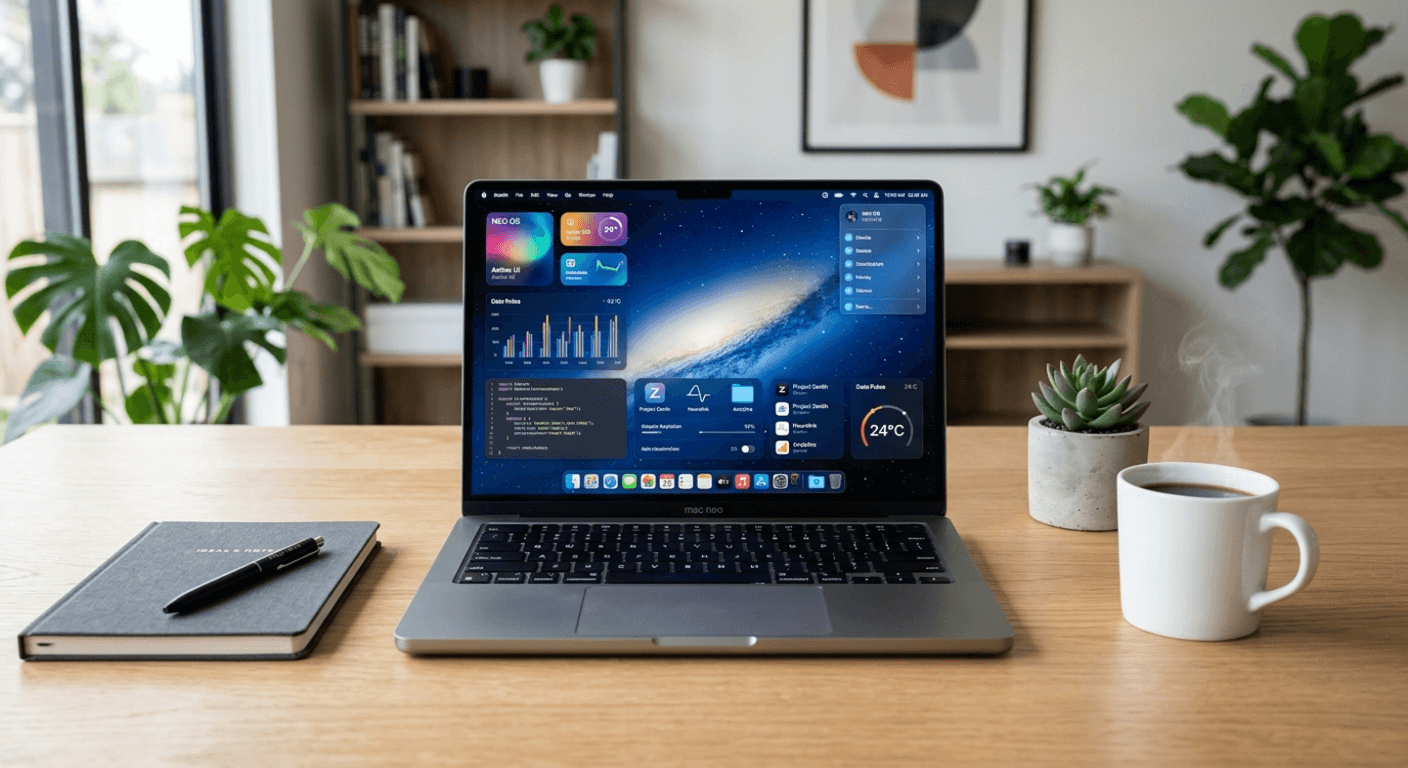
Mac Neo - High-Speed, Long-Lasting Battery, student, professional, need mac
Discover the Mac Neo, a laptop that combines performance, style, and innovation. It is built for professionals, creatives, and tech enthusiasts.
Brajesh Saini - 7 April 2026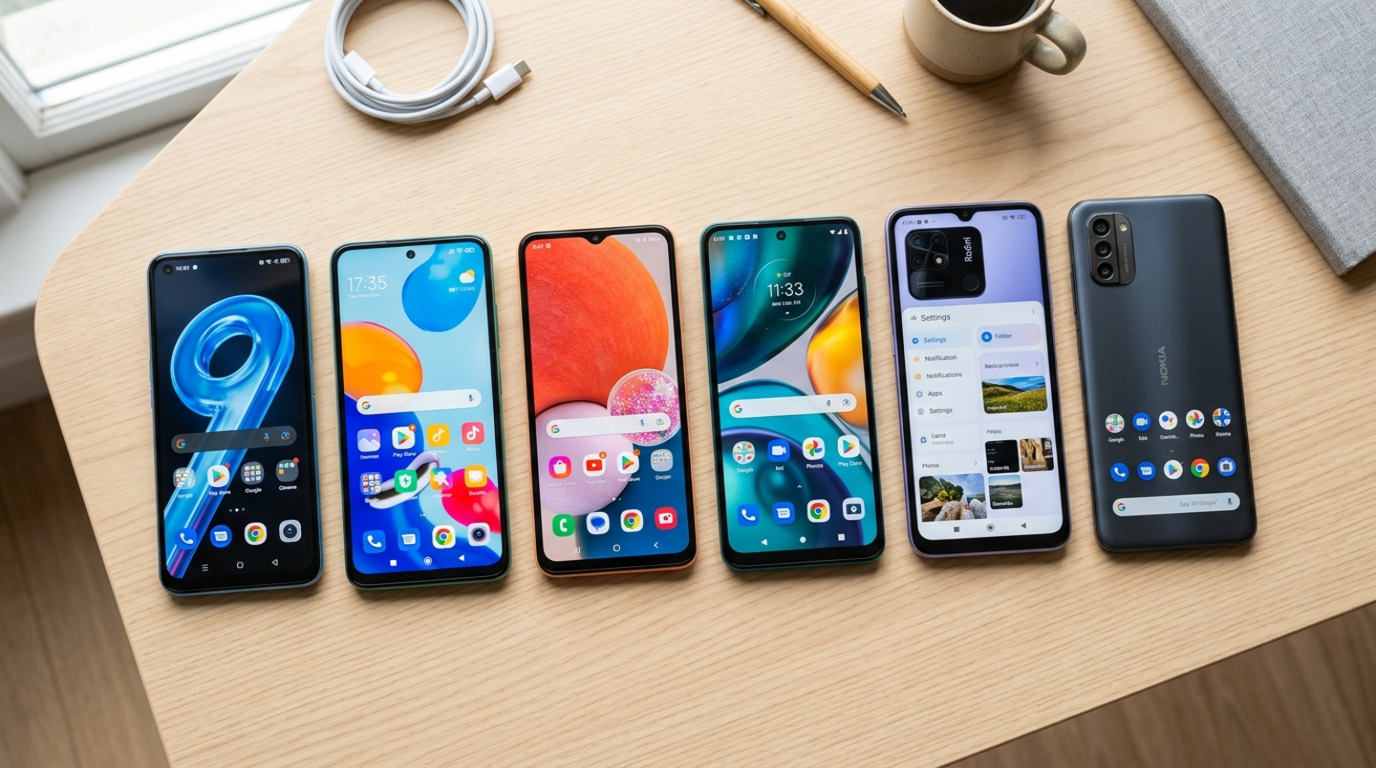
Best Budget Smartphones in 2026 (Top Picks Under ₹20,000)
Looking for the best budget smartphones in 2026? You don't need to spend a fortune to get great performance, long battery life, and impressive cameras.
Brajesh Saini - 1 April 2026